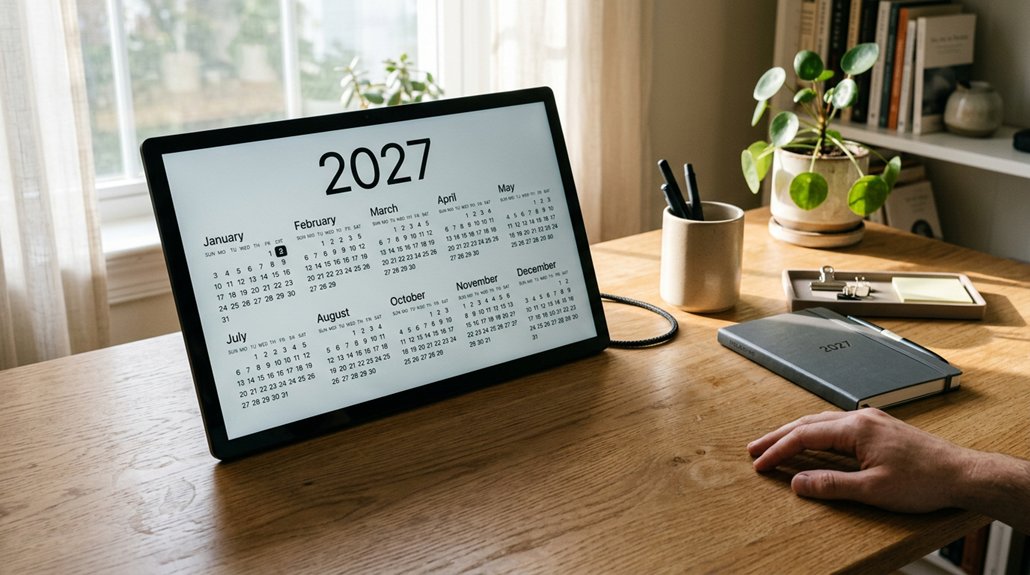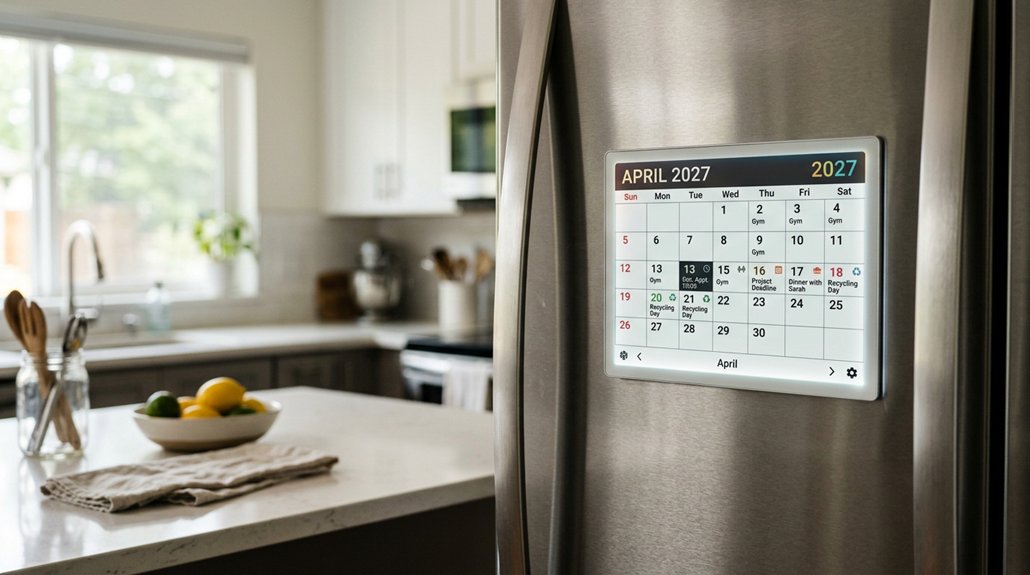
Picking the right digital family calendar and chore chart in 2026 can make daily life smoother and maybe a little less chaotic. This list highlights top touchscreen options that sync with shared Google, iCloud, or Outlook events, while also tracking tasks and routines.
Some models add photo frames, meal ideas, and reward prompts so kids have motivation beyond “because I said so.”
Next, the guide compares the best features of each pick so families can choose wisely.
Key Takeaways
- Compare 2027-ready digital calendars that support Google, iCloud, Outlook, Yahoo, and Cozi for easy family scheduling.
- Prioritize devices with real-time two-way sync, multi-user color coding, and push notifications to prevent double bookings.
- Choose screen size by space: 15”+ for shared areas and ~10” displays for desks, counters, or closer viewing.
- Look for integrated chore charts with interactive check-off, points/badges, and reward customization by child age.
- Evaluate meal planning and shared grocery/to-do lists, plus app/remote management, subscriptions, and warranty terms.
| Skylight Calendar 15″ Touchscreen Digital Calendar | Best 15-Inch Hub | Touchscreen display: 15.4″ Full HD touchscreen | Calendar sync: Google/iCloud/Outlook/Cozi/Yahoo | Chore chart: Customizable chore chart | VIEW LATEST PRICE | Read Our Analysis | |
| 10.1″ Digital Calendar Touchscreen Family Wall Planner | Best Budget Option | Touchscreen display: 10.1″ HD touchscreen | Calendar sync: Google/iCloud/Outlook/Cozi/Yahoo | Chore chart: Built-in chore tracker | VIEW LATEST PRICE | Read Our Analysis | |
| Family Command Center: Organize Digital Calendars and Tasks | Best for Organization | Touchscreen display: Kindle eBook (no touchscreen) | Calendar sync: Digital calendar organization (method/content) | Chore chart: Chore “Markets” (chore distribution method) | VIEW LATEST PRICE | Read Our Analysis | |
| Linkdaze 10.1″ WiFi Smart Digital Calendar with 32GB | Best Chore Rewards | Touchscreen display: 10.1″ HD IPS touchscreen | Calendar sync: Google & Outlook (two-way); iCloud/Cozi/Yahoo via link | Chore chart: Chore management + task assignment | VIEW LATEST PRICE | Read Our Analysis | |
| Luana – Family Calendar Routines & Photos for Your TV | Best TV Companion | Touchscreen display: TV app (screen-based routines/calendar) | Calendar sync: Google/Apple/Outlook/Yahoo/Cozi and more | Chore chart: Star/reward-based chore engagement (routines/tracking) | VIEW LATEST PRICE | Read Our Analysis | |
| AiMOR 15.6″ Smart Digital Calendar and Picture Frame |

| Best Photo Storage | Touchscreen display: 15.6″ Full HD touch screen | Calendar sync: Google/iCloud/Outlook/Cozi/Yahoo (via AiMOR app) | Chore chart: Interactive star reward chore chart | VIEW LATEST PRICE | Read Our Analysis |
| 24-Inch Touch Screen Digital Wall Calendar |

| Best Large Screen | Touchscreen display: 24″ touchscreen | Calendar sync: Google & Yahoo (via app); selective sharing | Chore chart: Task/reward chore system | VIEW LATEST PRICE | Read Our Analysis |
| Apolosign 21.5-Inch Smart Wall Calendar Planner | Best Voice Assistant | Touchscreen display: 21.5″ touchscreen | Calendar sync: Google/iCloud/Outlook | Chore chart: Interactive chore chart | VIEW LATEST PRICE | Read Our Analysis | |
| LOOFII 15.6 Smart Touchscreen Calendar with Planner | Best for Weather | Touchscreen display: 15.6″ Full HD touchscreen | Calendar sync: Google/iCloud/Outlook (via eCalendar app) | Chore chart: Interactive chore chart | VIEW LATEST PRICE | Read Our Analysis | |
| VEJLD 10.1″ Smart Family Planner Digital Calendar | Best Family Sync | Touchscreen display: 10.1″ HD touchscreen | Calendar sync: Google/iCloud/Outlook/Yahoo/Cozi/TeamSnap | Chore chart: Interactive chore chart with rewards | VIEW LATEST PRICE | Read Our Analysis |
More Details on Our Top Picks
Skylight Calendar 15″ Touchscreen Digital Calendar
Best 15-Inch Hub
View Latest PriceSkylight Calendar’s 15.4″ touchscreen makes it a great choice for busy families. It is a Full HD digital wall planner, built to be a shared hub for schedules and chore charts.
The display can mount on a wall, or sit on a kitchen countertop or hallway table, so it fits real home life. It connects to Wi-Fi and syncs with Google, iCloud, Outlook, Cozi, and Yahoo.
Family members can add events on the device or using the Skylight app, even when they are out. Chore charts and weekly meal planning help routines stick, and Disney Mode adds fun motivation.
- Touchscreen display:15.4″ Full HD touchscreen
- Calendar sync:Google/iCloud/Outlook/Cozi/Yahoo
- Chore chart:Customizable chore chart
- Family task lists:Shared tasks/lists
- Reward system:Stars & rewards (Plus-plan incentives)
- Photo frame mode:Not explicitly stated
- Additional Feature:Plus Plan Magic Import
- Additional Feature:Disney Mode avatars
- Additional Feature:Star & reward incentives
10.1″ Digital Calendar Touchscreen Family Wall Planner
Best Budget Option
View Latest PriceFor busy households, the 10.1″ Digital Calendar Touchscreen Family Wall Planner is a smart, wallet-friendly choice. It has a 10.1″ HD touchscreen, and it can mount on a wall or sit on a desk.
It syncs with Google Calendar, iCloud, Outlook, Cozi, and Yahoo, using a simple iOS/Android app. Families can color-code schedules and switch between daily, weekly, and monthly views. Updates arrive right away, with push notifications across devices.
It also includes a customizable chore tracker with points, so kids can tap to check off tasks. Setup is quick, and remote control helps from anywhere, with no subscription fees.
- Touchscreen display:10.1″ HD touchscreen
- Calendar sync:Google/iCloud/Outlook/Cozi/Yahoo
- Chore chart:Built-in chore tracker
- Family task lists:Shared chores tracker + task management
- Reward system:Points-based rewards
- Photo frame mode:Digital picture frame (photo slideshows)
- Additional Feature:Points-based chore rewards
- Additional Feature:Built-in photo slideshow
- Additional Feature:Full remote control app
Family Command Center: Organize Digital Calendars and Tasks
Best for Organization
View Latest PriceA smart digital command center helps families stay organized without losing track. The Family Command Center is especially suited for people who want to set up calendars and tasks in one clear place, so everyone can see what’s coming next.
Built around central scheduling, it shows how family members coordinate events, deadlines, and everyday jobs. Using digital tools, it supports a smooth flow of messages and reduces the “who knew?” moments that cause stress. It also introduces chore markets, a fun way to trade responsibilities fairly, keeping chores from feeling like a surprise boss fight.
- Touchscreen display:Kindle eBook (no touchscreen)
- Calendar sync:Digital calendar organization (method/content)
- Chore chart:Chore “Markets” (chore distribution method)
- Family task lists:Tasks coordination (digital task systems)
- Reward system:Chore markets (motivational distribution system)
- Photo frame mode:Not applicable (book)
- Additional Feature:Chore markets method
- Additional Feature:Kindle eBook format
- Additional Feature:184 pages guide
Linkdaze 10.1″ WiFi Smart Digital Calendar with 32GB
Best Chore Rewards
View Latest PriceThe Linkdaze 10.1″ WiFi Smart Digital Calendar with 32GB brings smart, color-coded chores and points together, making it a great fit for families who enjoy chore rewards that actually get used.
It combines a calendar, digital image frame, chore chart, and tasks in one 10.1-inch HD IPS screen, so everyone sees the same plan.
It syncs with Google and Outlook, and can also connect to iCloud, Cozi, and Yahoo via a URL link. Chores get assigned with alerts, and points encourage teamwork.
When idle, the 32GB storage shows photos and videos using the AiMOR app, and meal planning plus a to-do list help keep daily life on track.
- Touchscreen display:10.1″ HD IPS touchscreen
- Calendar sync:Google & Outlook (two-way); iCloud/Cozi/Yahoo via link
- Chore chart:Chore management + task assignment
- Family task lists:To-do list + shopping/grocery management
- Reward system:Points-based reward system
- Photo frame mode:Digital photo frame (idle mode) with 32GB
- Additional Feature:32GB built-in media
- Additional Feature:AI ROM remote management
- Additional Feature:OTA continuous updates
Luana – Family Calendar Routines & Photos for Your TV
Best TV Companion
View Latest PriceLuana turns screen time into family time, making it a great TV companion for busy households. It shows visual routine checklists on the big screen, so kids can follow morning, afternoon, and evening steps.
The family calendar syncs with Google, Apple, Outlook, Yahoo, Cozi, and more, which helps everyone stay on the same page. Kids earn stars through a smart rewards system, while parents control redemptions.
Each family member has their own login. Parents set everything up from a phone or computer dashboard, and sign-in can use Amazon. It uses existing TVs, no extra hardware.
When the dashboard is idle, it shows a photo screensaver. A 14-day free trial is available.
- Touchscreen display:TV app (screen-based routines/calendar)
- Calendar sync:Google/Apple/Outlook/Yahoo/Cozi and more
- Chore chart:Star/reward-based chore engagement (routines/tracking)
- Family task lists:Routines/tasks with rewards dashboard
- Reward system:Star rewards + parent redemptions
- Photo frame mode:Family photo screensaver on TV
- Additional Feature:TV-based routine checklists
- Additional Feature:Morning/afternoon/evening routines
- Additional Feature:14-day free trial
AiMOR 15.6″ Smart Digital Calendar and Picture Frame
15.6-inch touch screen makes planning feel easy and organized. The AiMOR 15.6″ Smart Digital Calendar and Image Frame uses a 15.6-inch Full HD 1080P display, with auto-rotation and auto-dimming, so it works well in daylight or at night. It supports drag-and-drop widgets, including chore charts, meal planners, and weather.
For schedules, it syncs with Google, iCloud, Outlook, Cozi, and Yahoo calendars through the AiMOR app. Families can set color-coded schedules and alerts, plus repeating birthdays.
Chores turn into a star-reward game, replacing paper charts. It also acts as a photo frame with 64GB storage. A 1-year replacement warranty adds peace of mind.
- Touchscreen display:15.6″ Full HD touch screen
- Calendar sync:Google/iCloud/Outlook/Cozi/Yahoo (via AiMOR app)
- Chore chart:Interactive star reward chore chart
- Family task lists:Task lists + multi-scenario to-do
- Reward system:Star reward chore chart
- Photo frame mode:Photo frame mode when idle (64GB)
- Additional Feature:Drag-and-drop widgets
- Additional Feature:Built-in 64GB storage
- Additional Feature:Auto-rotating display sensor
24-Inch Touch Screen Digital Wall Calendar
A 24-inch Dragon Touch TM24 wall calendar brings the roomy, best-for-family coordination feel to busy homes. It uses a large touchscreen to create role- or time-based events, and it can switch between daily, weekly, and monthly views. Family chores become more fun with customizable tasks and a star reward system for completed goals.
It also supports wireless syncing with Google and Yahoo via an app, so double-booking is less likely, and privacy is still manageable. The TM24 fits well in kitchens or living rooms, and it can mount on a wall or sit on a desk. It even works as a 32GB photo frame, with sleep mode to save energy.
- Touchscreen display:24″ touchscreen
- Calendar sync:Google & Yahoo (via app); selective sharing
- Chore chart:Task/reward chore system
- Family task lists:Custom task interfaces
- Reward system:Stars for completed goals
- Photo frame mode:Digital photo frame with 32GB
- Additional Feature:24″ large touchscreen
- Additional Feature:32GB digital photo frame
- Additional Feature:Energy-saving sleep mode
Apolosign 21.5-Inch Smart Wall Calendar Planner
Best Voice Assistant
View Latest PriceThe Apolosign 21.5-inch Smart Wall Calendar Planner helps busy families stay organized with less stress. It syncs schedules, events, chores, alerts, and shared calendars from Google Calendar, iCloud, and Outlook, all in one place, with no subscription fees.
Families can use two modes, Calendar Mode for simple planning, or Android Mode for a customizable dashboard with widgets, weather, clocks, and more. It also includes an interactive chore chart with reward-based tracking, plus shared grocery, shopping, wish, and weekly meal lists.
Setup is easy—plug in, connect Wi-Fi, and sync. Google Gemini voice control handles reminders, tasks, and smart home actions.
- Touchscreen display:21.5″ touchscreen
- Calendar sync:Google/iCloud/Outlook
- Chore chart:Interactive chore chart
- Family task lists:Grocery/shopping/wish lists + planning
- Reward system:Reward-based task tracking
- Photo frame mode:Smart photo frame (Google Photos slideshows)
- Additional Feature:Dual Mode Calendar/Android
- Additional Feature:Google Gemini voice assistant
- Additional Feature:Subscription-free operation
LOOFII 15.6 Smart Touchscreen Calendar with Planner
Best for Weather
View Latest PriceLOOFII’s touchscreen family planner makes daily planning feel simple, and it helps families stay on track through the day with live weather updates. It uses a 15.6-inch Full HD display, so schedules look clear and bright.
When not in use, it works like a digital image frame, showing an animated slideshow of favorite photos. For planning, it syncs with Google, iCloud, Outlook, and more, using a free eCalendar app. It also includes a meal planner for breakfast, lunch, dinner, and snacks.
For chores, it offers an interactive chart with custom rewards. Light sensor brightness, auto-rotation, sleep mode, and Wi‑Fi updates help keep it functional and efficient.
- Touchscreen display:15.6″ Full HD touchscreen
- Calendar sync:Google/iCloud/Outlook (via eCalendar app)
- Chore chart:Interactive chore chart
- Family task lists:Planner tasks + meal planning
- Reward system:Customizable rewards
- Photo frame mode:Digital picture frame during idle time
- Additional Feature:Real-time weather updates
- Additional Feature:G-sensor auto-rotation
- Additional Feature:Over-the-air firmware updates
VEJLD 10.1″ Smart Family Planner Digital Calendar
Best Family Sync
View Latest PriceVEJLD’s 10.1-inch touchscreen planner keeps families aligned with smart family sync that feels effortless. It has an HD display that acts like one shared hub, syncing Google Calendar, iCloud, Outlook, Yahoo, Cozi, and TeamSnap. Updates show up in real time, with color-coded events, recurring plans, and smart prompts.
Families can use the touchscreen or a free app, and there’s no subscription. It also includes a week-ahead meal planner, plus shared grocery and to-do lists, so dinner plans don’t turn into a guessing game. Kids can tap the chore chart to earn rewards, building habits with fewer parent nag alerts.
When idle, it works like a photo frame, with warm wood-grain style.
- Touchscreen display:10.1″ HD touchscreen
- Calendar sync:Google/iCloud/Outlook/Yahoo/Cozi/TeamSnap
- Chore chart:Interactive chore chart with rewards
- Family task lists:Shared grocery/to-do lists
- Reward system:Kids earn rewards via chore chart
- Photo frame mode:Digital photo frame when not in use
- Additional Feature:Magic Import (voice/photo)
- Additional Feature:Voice or photo event entry
- Additional Feature:Warm wood-grain design
Factors to Consider When Choosing Digital Family Calendars and Chore Charts
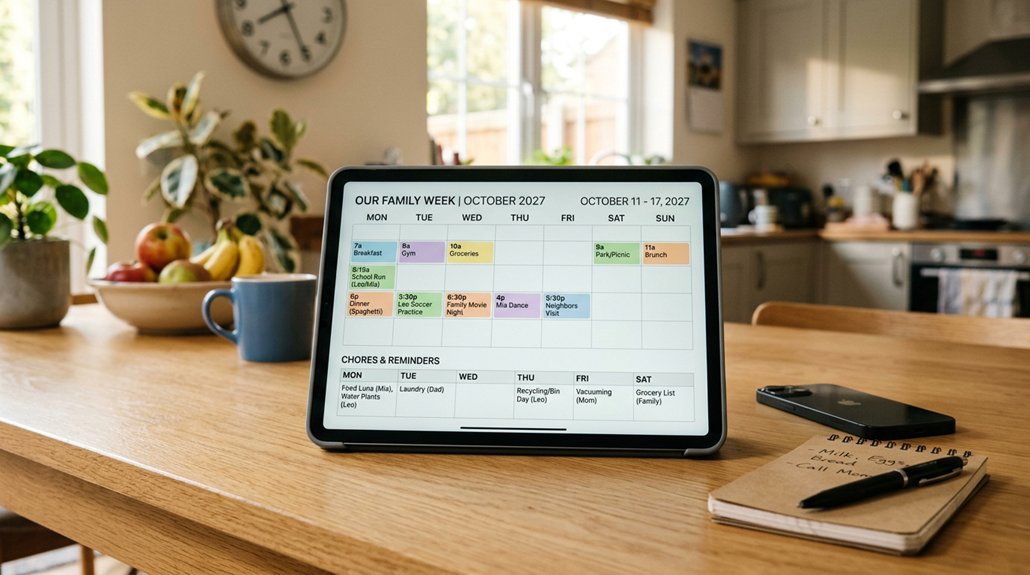
When picking a digital family calendar and chore chart, they should first think about screen size and viewing distance, since nobody wants to squint for daily alerts. Next, they should check calendar sync and compatibility, plus how well chores work with interactive rewards and shared lists for meal planning.
Finally, they’ll want app control and remote notifications, so the whole family stays on the same page, even when someone’s phone is slightly more “mysterious” than usual.
Screen Size And Viewing Distance
Choosing the right digital family calendar or chore chart depends a lot on screen size and how far people will usually stand from it. Larger screens, like 15 inches or more, help multiple family members see schedules from a distance, especially in bigger rooms. Smaller screens near 10 inches work well when the display sits on a counter or desk, and people naturally stand close.
He or she should also think about resolution, since higher clarity makes names, dates, and chore details easier to read from several feet away. Finally, adjustable or auto-rotating screens can make viewing easier from different angles around the house. In other words, the right size keeps everyone informed without squinting as if it’s a secret code.
Calendar Sync And Compatibility
Calendar sync and compatibility are key factors, because a family calendar only helps if everyone can update it in the same place. A strong choice supports seamless synchronization with major services like Google Calendar, iCloud, Outlook, Yahoo, and Cozi, so schedules stay together. It should also work well on both iOS and Android, using dedicated apps for real-time updates and remote access.
Two-way sync matters too, since edits or new events should transfer whether they start on a phone or in the app. The best tools allow multiple user accounts, with color-coded schedules to avoid messy overlaps. Finally, push notifications and alerts across platforms help families remember appointments, even when life gets busy, like it always does.
Chore Chart Interactivity And Rewards
Digital family calendars keep everyone in sync, and that same idea can carry into chores with interactive chore charts that kids can actually use. Many interactive charts include touchscreen support, so children can tap to check off tasks right away, which feels more like a game than paperwork. Built-in rewards also matter, with points, stars, or badges that give clear, motivating progress. The best apps let families customize chores and rewards for a child’s age and interests, keeping effort realistic.
Real-time tracking and updates help habits form, since everyone can see what’s done and what’s next. Digital charts also cut down on paper clutter while adding visual feedback. When used well, accountability rises, and chores feel slightly less like a mystery novel.
Shared Lists Meal Planning Options
How well a family meal plan works often depends on whether the digital calendar can handle shared lists smoothly, not just whether it looks nice. Shared lists allow real-time syncing, so everyone sees the latest grocery and to-do items on phones or tablets. Good meal planning tools also support weekly menu schedules, which helps families plan ahead and cut down on last-minute “What’s for dinner?” stress.
When the meal planner connects to recipes, it can build a synchronized grocery list automatically based on what the family chose. Interactive lists let members add, check off, or edit items together, creating shared accountability. Many options also support dietary preferences, store recipes, and assign cooking duties. That way, dinner stays organized and nobody “forgets” the onions.
App Control And Remote Notifications
With a good family calendar and chore app, control from a phone or tablet makes staying organized much easier. Families can add, update, and manage events, chores, and alerts from anywhere, so schedules stay fresh.
Remote notifications also matter because they send real-time alerts about upcoming dates, task deadlines, and completed chores. That way, everyone stays coordinated, even when they are not in the same room.
App control supports smooth syncing across multiple devices and family members, which helps the whole household stay on the same page. Push notifications land right on connected devices, reducing missed appointments and forgotten tasks. Parents or organizers can assign chores, adjust schedules, and track progress without needing to touch the calendar device, which saves time and sanity, probably.
Subscription Fees And Warranty Coverage
Subscription costs and warranty coverage can make or break the long-term value of a digital family calendar and chore chart setup. Some apps charge monthly or yearly, while others offer a lifetime option with no extra fees. Premium plans may add helpful extras, like better syncing, exclusive content, or motivational tools.
On the hardware side, warranties often last one to two years. They usually cover repairs or replacements for manufacturing defects. Buyers should check if the warranty also includes software updates and ongoing technical help, not just broken parts.
Comparing subscription prices with warranty protection helps families estimate future costs. After all, no one wants to pay forever, then discover the “fix it” plan was only for the toaster.
Frequently Asked Questions
Do These Calendars Support Multiple User Profiles and Shared Access?
Yes, many digital family calendars can support multiple user profiles, with separate accounts for each person. They usually allow shared access, so everyone can see the same events, chores, or alerts. Often, a parent or admin controls permissions, like who can edit versus only view.
The exact setup varies by app, so it’s smart to check the sharing and “family” or “members” settings first, so it doesn’t turn into a calendar free-for-all.
Can Chores Be Scheduled With Recurring Reminders and Notifications?
Yes, most good chore apps let chores repeat, like daily, weekly, or every other day. They can send recurring alerts, so chores pop up on time for each person. Notifications may come as push alerts on phones, emails, or in-app nudges, depending on the app.
The best ones also let parents adjust schedules, pause reminders, or mark items as done quickly, so things don’t fall behind.
Are Offline Mode and Wifi Required for All Digital Calendar Features?
No, offline mode and Wi‑Fi are not required for all features. Many digital family calendars work offline for viewing and basic edits, then sync later when the device reconnects. However, some extras need internet, like live syncing across phones, sending notifications, or downloading shared updates.
Offline support varies by app. For peace of mind, he checks the app’s settings and tests turning Wi‑Fi off before relying on it, like a tiny homework trial.
How Secure Is Family Data, Photos, and Account Information on These Devices?
Family data, photos, and account info can be pretty secure if the device uses strong encryption and secure login. Most reputable apps protect uploads in transit and at rest, and offer two-factor authentication. Still, risks exist, like weak passwords or shared accounts.
He recommends using unique passwords, enabling 2FA, reviewing privacy settings, and updating apps often. Photos should be backed up elsewhere too, just in case.
Do These Models Integrate With Google Calendar or Alexa for Syncing Tasks?
Most of these models can sync tasks with Google Calendar, and many support Alexa alerts too, but it depends on the exact brand and app. He should check for wording like “Google Calendar integration” or “works with Alexa.” Some let tasks show up on the same day view, while others only send reminders.
A Few models need separate apps for setup, and setup is usually quick, not “mystery meat” confusing.